• Portfolio
  • Archive
    • Grad Students Halloween Party 2016
    • Praxis Showcase 2010 Highlights
    • 2015 Canada Blooms Near North Hardscapes
    • 2014 IEEE Toronto AGM Highlights
    • 2014 GSU Halloween Party
    • 2014 GSU Halloween Party 2
    • IEEE Day: Wine and Cheese
    • 2014 Akido Club Photoshoot
    • Canonball 1T5
    • 2014 Toronto Christmas Market
    • 2015 Nocturne
    • Cute-Baby-TBP
  • Stuff.
  • Contact Info

kmingk

Just Me.

  • Portfolio
  • Archive
    • Grad Students Halloween Party 2016
    • Praxis Showcase 2010 Highlights
    • 2015 Canada Blooms Near North Hardscapes
    • 2014 IEEE Toronto AGM Highlights
    • 2014 GSU Halloween Party
    • 2014 GSU Halloween Party 2
    • IEEE Day: Wine and Cheese
    • 2014 Akido Club Photoshoot
    • Canonball 1T5
    • 2014 Toronto Christmas Market
    • 2015 Nocturne
    • Cute-Baby-TBP
  • Stuff.
  • Contact Info

Nvidia + Ubuntu + Dual Monitor Problem - One monitor isn't recognised and incorrect resolutions

I went through a lot of sites trying to solve the problem where my second monitor would not show the correct resolution and it isn't detected automatically.  So one monitor was labeled as "Samsung SB200" while the other was "CRT-0".  In the case they both are recognized, follow this link (http://www.thegeekstuff.com/2009/08/ubuntu-tips-how-to-setup-dual-monitor/)

The following is for the scenario where you have one recognized monitor and the other isn't recognized properly.  I have tried setting ModeLines manually to no avail in this case. 

You need to know the native resolution and refresh rate of the monitor, and you will need to make modifications to the xorg config file.  (make sure to update to newest nvidia drivers with this link: http://www.binarytides.com/install-nvidia-drivers-ubuntu-14-04/)

  1. Create a new xorg.conf file by removing the existing one and using nvidia-xconfig
    • sudo rm /etc/X11/xorg.conf
    • sudo nvidia-xconfig
  2. Reboot computer (or restart the x server loading the new settings.. easier to reboot)
  3. Open  Nvida X Server Settings and save the configuration of the working monitor to file
    • X Server Display Configuration
    • Select the recognized monitor, in my case "Samsung S22B300"
    • Save to X Configuration file at /etc/X11/xorg.conf  with merge with existing file option selected
  4. Edit the xorg.conf file, manually adding in the settings for the unrecognised monitor by
    • sudo gedit /etc/X11/xorg.conf
    • Copy the following sections 
      • Section "Monitor"
        Identifier "Monitor0"
        VendorName "Unknown"
        ModelName"Samsung S22B300"
        HorizSync 30.0 - 81.0
        VertRefresh 56.0 - 75.0
        Option "DPMS"
        EndSection
        
        Section "Device"
        Identifier "Device0"
        Driver "nvidia"
        VendorName "NVIDIA Corporation"
        BoardName"GeForce GTX 570"
        EndSection
        
        Section "Screen"
        Identifier "Screen0"
        Device "Device0"
        Monitor"Monitor0"
        DefaultDepth24
        Option "Stereo" "0"
        Option "metamodes" "DVI-I-1: 1920x1080 +0+0, DVI-I-0: nvidia-auto-select +1920+0"
        Option "SLI" "Off"
        Option "MultiGPU" "Off"
        Option "BaseMosaic" "off"
        SubSection "Display"
        Depth 24
        EndSubSection
        EndSection
    • Change to the following and paste it underneath the original copy. 
      • Make sure to change the identifiers so there won't be a conflict
      • Make sure to change the Model Number to reflect the unrecognised monitor "CRT-0"
      • Section "Monitor"
        Identifier "Monitor1"
        VendorName "Unknown"
        ModelName"CRT-0"
        HorizSync 30.0 - 81.0
        VertRefresh 56.0 - 75.0
        Option "DPMS"
        EndSection
        
        Section "Screen"
        Identifier "Screen1"
        Device "Device0"
        Monitor"Monitor1"
        DefaultDepth24
        Option "Stereo" "0"
        Option "metamodes" "DVI-I-1: 1920x1080 +0+0, DVI-I-0: nvidia-auto-select +1920+0"
        Option "SLI" "Off"
        Option "MultiGPU" "Off"
        Option "BaseMosaic" "off"
        SubSection "Display"
        Depth 24
        EndSubSection
        EndSection
  5. Reboot Computer
  6. Go to Nvidia X Server Settings and Change resolution of both monitors to the native one. DO NOT set the resolution to be higher than the native resolution. 
Friday 08.29.14
Posted by Kei-Ming Kwong
 

Day 5: Roma, Pisa

Started off in Rome and Vatican City. I wasn't particular interested in the cathedrals, but it was definitely very beautiful. So far, Europe has been a sightseeing heaven, mostly natural beauty or quaint simplicity of the cities, and Rome is another type of beauty, it screamed ancient collosal buildings. I can believe how the people back in the days would devote more than 100 years to building something that wouldn't be useful in their time. Imagine building a product which you know will never finish in your lifetime.. daunting.

After Rome, we went to Pisa, bloody long ride make me totally die on the inside. The tower was just a leaning tower, nothing too special, but made it really awesome to pose with.

Leaning Tower of Pisa

Leaning Tower of Pisa

20140812014048_IMG_0740.JPG
Roman Pillars

Roman Pillars

St Pete's Cathedral

St Pete's Cathedral

Vatican Courtyard

Vatican Courtyard

Colleseum

Colleseum

Tiramisu!

Tiramisu!

Wednesday 08.20.14
Posted by Kei-Ming Kwong
 

Day 4: Firenze

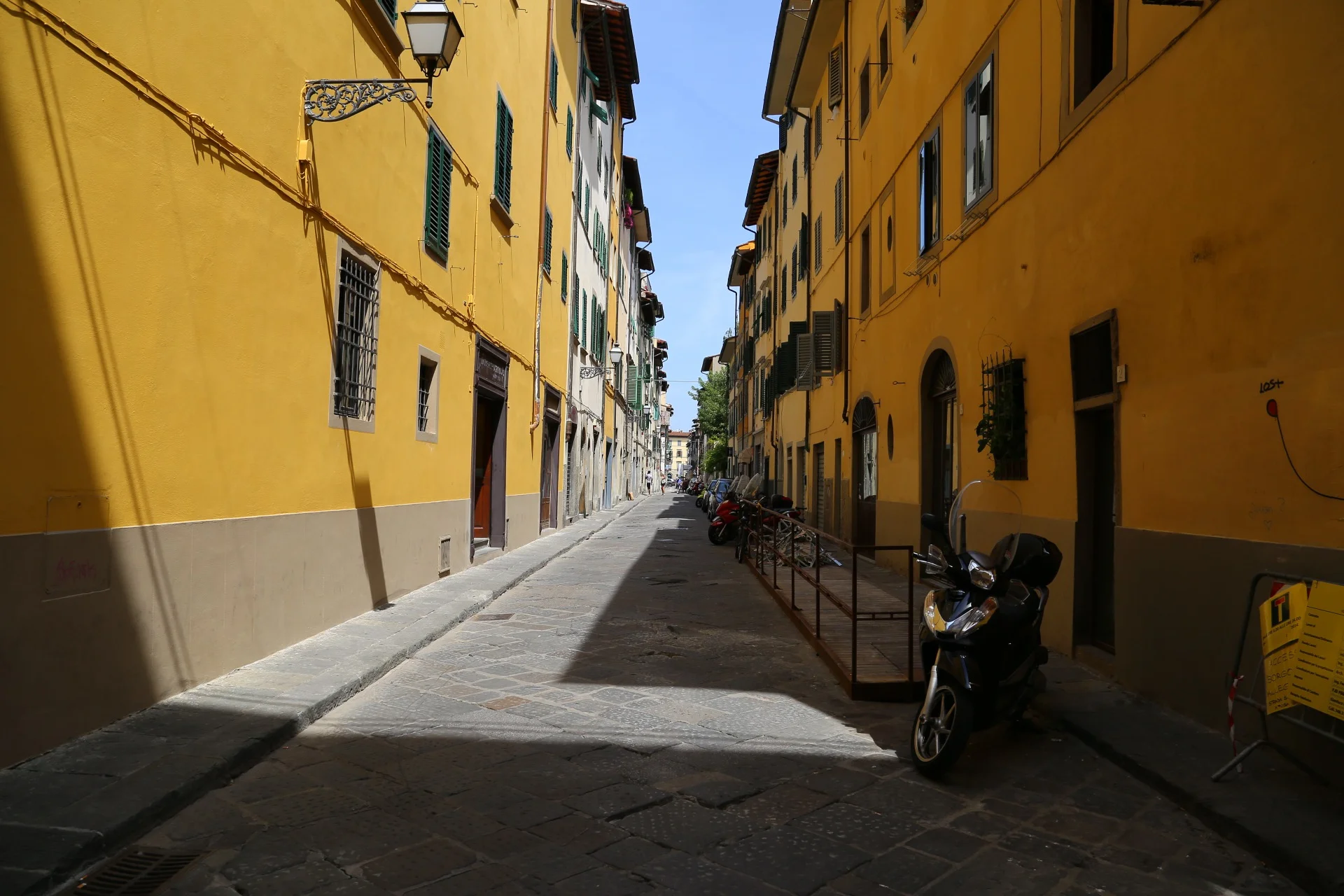
Florence is definitely one of my favourite cities of Europe so far. It had a very scenic view, lovely streets and is the best place to explore. The web of roads and vias make it a place to explore. There were times were sketchy people were staring and following us but walking into the main road helped.

Overall I didn't take as many photos as I wanted because I was too busy looking at Italian shoes :(

Regardless, its the best city to explore so far in Europe.

Firenze City View

Firenze City View

Streets

Streets

Streets

Streets

wall art

wall art

Firenze Bus. very small and cute

Firenze Bus. very small and cute

Sunday 08.17.14
Posted by Kei-Ming Kwong
 

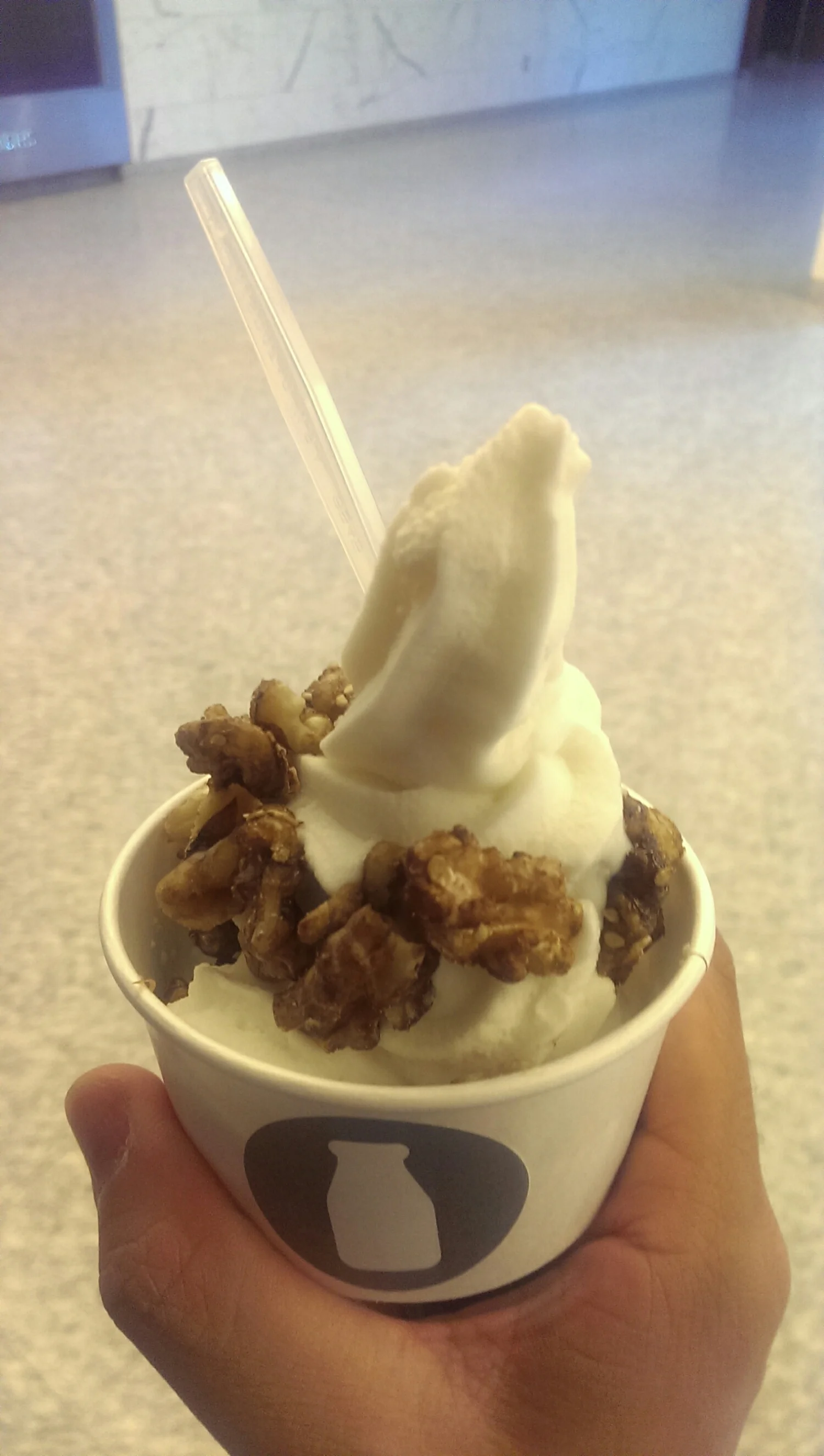
Dekefir: frozen dessert

Kefir is fundamentally a yogurt with a different bacteria culture. It ends up in a more liquid form, more tart, and kinda like a liquidy Greek yogurt. Frozen, it's a great dessert for a hot summer day, and definitely worth a try. Also try the non frozen version from Longo's. Definitely a different experience from yogurt, but still very good
sqsp_1409409013528.jpeg
sqsp_1409409055754.jpeg
Thursday 08.14.14
Posted by Kei-Ming Kwong
 

Day 3: Venice

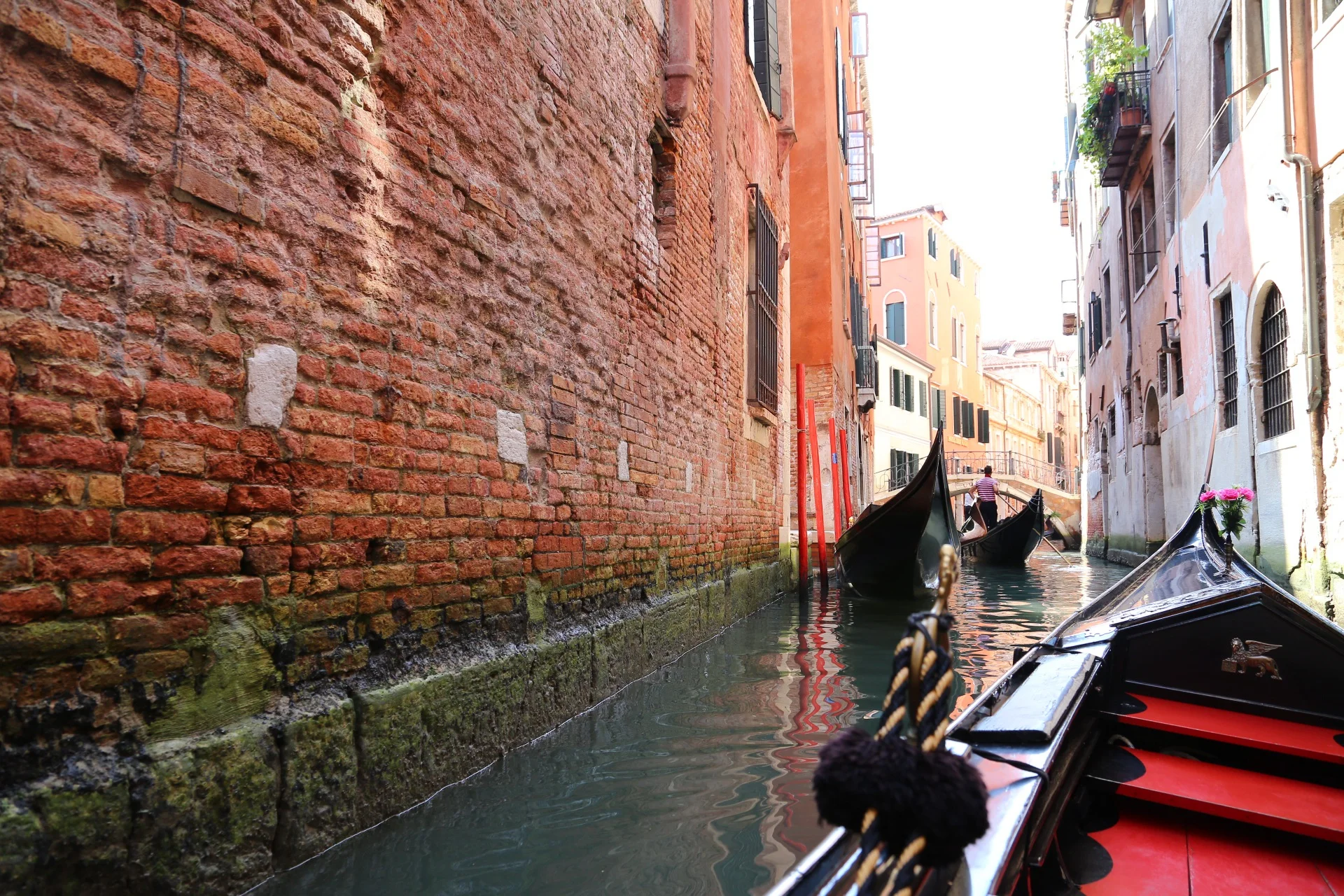
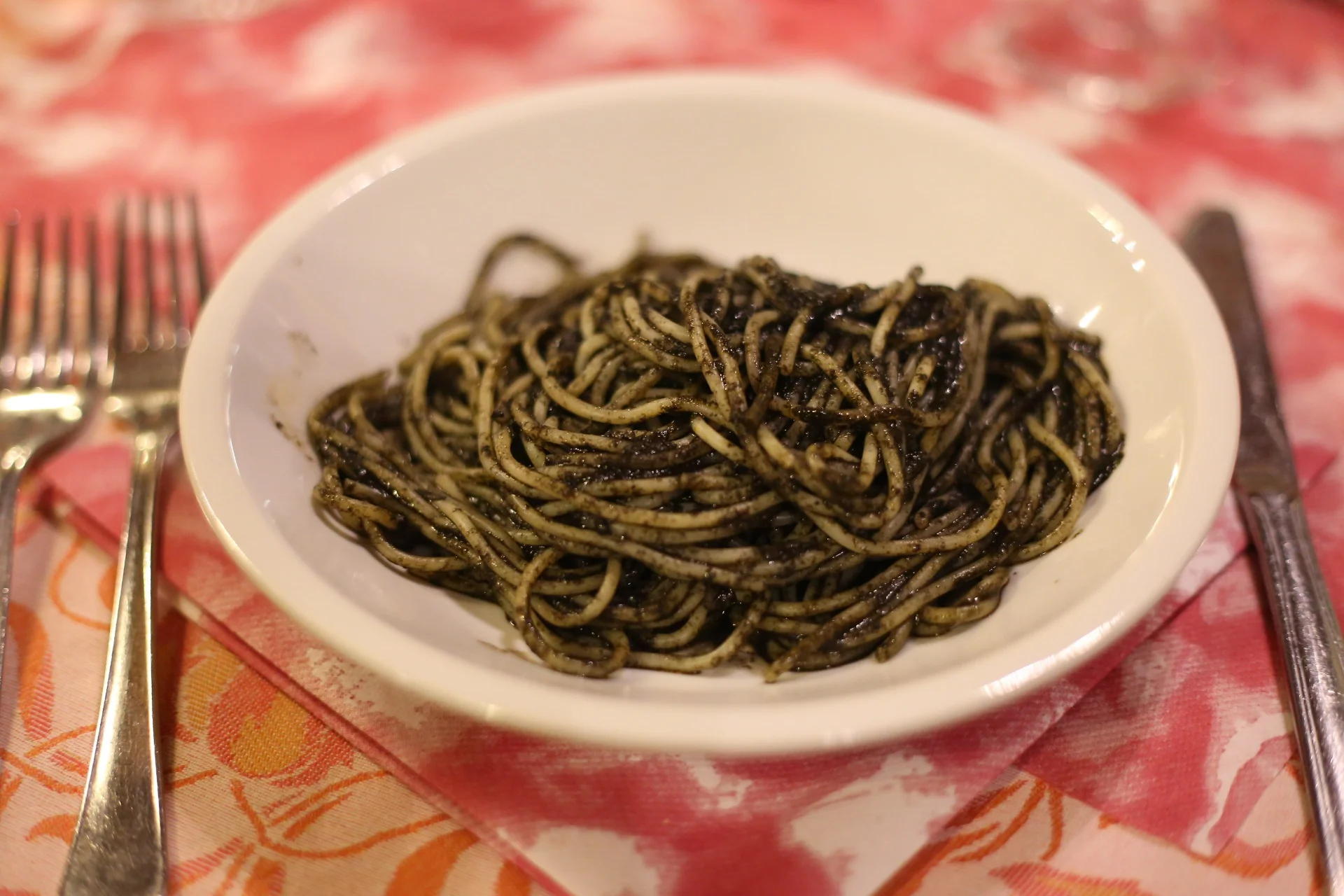
This was a totally bipolar experience. I loved the city and the scenery and even the food at the restaurant we ate at. But the chaos/crampness made me feel like Venice is a total toursit trap, which it is. I did ended up buying a Murano glass wine stopper. These glass shops are everywhere, literally take two steps an you see a new glass shop. They had really lovely designs, and I rarely like to spend money on glass(even on camera lens) but it was very beautiful piece of glass. I had to try pasta at Italy, and we went into a restaurant and tried their squid ink pasta. It was really seasoned well. But surprisingly, the Risotto at the gas station made my day much more than the pasta. Teaches me a lesson when I keep using water to substitute chicken stock in cooking the rice. Finally, you haven't fallen into the trap unless you ride the gondola, which was where I got the full brunt of the smell of the canals. It was a smell you get used to, but its definitely very fishy and foul. The floating garbage I saw didn't help either. But I have to say that the city was absolutely lovely visually speaking or when avoiding less travelled canals. Very beautiful. It was a long day, but definitely an eye opener.
Ready, Get Set, Race!

Ready, Get Set, Race!

Jail Bridge

Jail Bridge

Canals

Canals

Gondola View

Gondola View

Taxi anyone?

Taxi anyone?

Party in the square!

Party in the square!

Streetview

Streetview

Squid Ink Pasta

Squid Ink Pasta

Venetian Sunset

Venetian Sunset

Thursday 08.14.14
Posted by Kei-Ming Kwong
 
Newer / Older